Welcome

Hello and welcome to Blue House Studio's blog. Keep up to date on the goings on in my world of art and teaching! Also check out my art and photography that will be posted often!


Showing posts with label Photography. Show all posts

Wednesday, August 24, 2011

Week 34!

Yes its week 34 of MCP Project 52- kind of crazy!  Not as crazy a the beginning of the school year!  I can't believe we have a week down, its unreal!!!!  My classes are FULL!  Which is great!!!  I truly do love my job as an art teacher and I think the kids realize that, they can smell fear and teachers who are just her because!  Lately you can smell lots of things in the halls......its is REALLY hot!!!  My digital camera class is jumped from 12 to 18 and that is with some drops too.  They are all doings....you can check them out here:  www.chsdigitalcamera.blogspot.com

Now to the post at hand..........picture it you are at your husband uncle's house to drop off corn that you froze for him............Monkey is excited because there will be horses, cats, dogs and CATTLE, and you don't bring your Canon 7D with.................the sky is perfect, there is an old red gate, 5 cows that go where ever Monkey goes and a giant old tree in the background................only your camera phone!!!!  What!!!!  Crap!!!!!  And I call myself a photographer!!!

Even though I only used my phone's camera I still got some great pics of Monkey and the cattle!!

But I think I will put the old Canon Digital Rebel in the caddy from now on!!!

Nelly Nero Whipped Cream Action applied

Tuesday, July 5, 2011

Sweet Shot Tuesday

I haven't done this FOREVER!  I just so happen to snap this on Saturday while walking with Monkey along the Mississippi!  I love the shot!  IT is also my MCP Project 52 photo of the week!


Tuesday, May 17, 2011

Sweet Shot Tuesday!

So I forgot to publish this last night!  I am haven't posted anything for Sweet Shot Tuesday in a while so I thought I would put this one up!  I took this photo last week while Monkey played in the nice cool water!  It was so hot I thought for 2 days it was summer, and than back to typical Iowa weather!  I used Nelly Nero actions on this shot- however I forgot which one!!!!  I highly suggest downloading her actions from her Flickr profile!


Tuesday, May 10, 2011

Donuts and Window Light a great mix!

MCP Project 52's theme this week is Window Light!  I have great light coming in our windows in the morning.  On Sunday I got Monkey her favorite donut.........cream filled long john!  She loves them, as a matter of fact she eats more than I do!  I got some shots of her eating away with the window light illuminating her face!

Enjoy!!!

Monday, May 9, 2011

SOOC- Mother's Day


What a great day for mother's day!!!  It looked like it was going to rain and than the sky cleared and the sun was warm and bright and wonderful!!!  I very much needed day!!!  Monkey, Dennis and I went to the greenhouse picked out flowers for the front porch, I was going to get 5 of the same baskets, but I can't handle the same thing 5 times!!!  We got a variety!!!  So here are my Mother's Day shots...... one of Monkey and I sitting on the ground outside cuddling (she was tired, no nap yesterday) and a couple of the flowers we bought!!!  Enjoy, can't wait for the edits!

Wednesday, May 4, 2011

First thing in the Morning

First thing in the morning was the theme for week 18 of MCP Project 52.  I am amazed I haven't missed a week.  I also created another landscape photo, I haven't done a portrait since week 7.......I tried with this one, however it didn't work!
I wish I could do this every morning, wake up, have some coffee..... each some breakfast with Monkey......but I am NOT a morning person, so this only happens on the weekend.  Maybe this weekend my husband will make me breakfast......not going to happen!

This was edited with Coffeeshop Raspberry Tea action.  I put a layer mask on the top layer to add some sharpness Monkey in the background and my ring.

Tuesday, May 3, 2011

SOOC-Growth

So here are my Growth photos- Monkey decided she wanted to drive daddy's car that was taken out of storage on Sunday!!!  Of course she wanted no help!!!  No worries-we took the keys out and the ebrake is always on!  They grow up so fast!!!!  I can't wait to take these photos again when she is 16!  Wait....I can wait!!!


Thursday, April 28, 2011

Now to WOW!!!

Hello all!  I actually found time today to do my Now to WOW!!!  I love to use ACR presets!  FYI- I didn't shoot in RAW this week so..................... 
TIP OF THE DAY:  If you don't shoot in RAW you can still open your jpegs in ACR- go into Bridge and select your files File- Open in Photoshop RAW!  Not all presets that you download will work on jpegs opened in ACR, but its worth a try!!!

ACR presets are a fun way to edit your photos.  I didn't do the preset on all of them because I had things in mind one and the other that isn't on her didn't look good with the preset.  I use MCP's touch of Light/ touch of Darkness FREE action on some of the photos to lighten and darken areas!  I love this action, it works so well.


FYI This is my favorite!!!!

Enjoy!

Monday, April 25, 2011

SOOC- Friends and Family!

So I have missed doing the now to WOW tutorial 2 weeks in a row!!!  That is just too crazy!  I have been so busy lately!  I have been gone the last two weekends, we went back to Des Moines on Friday and returned home on Saturday, which I than got ready to host Easter!  I love hosting holidays!!
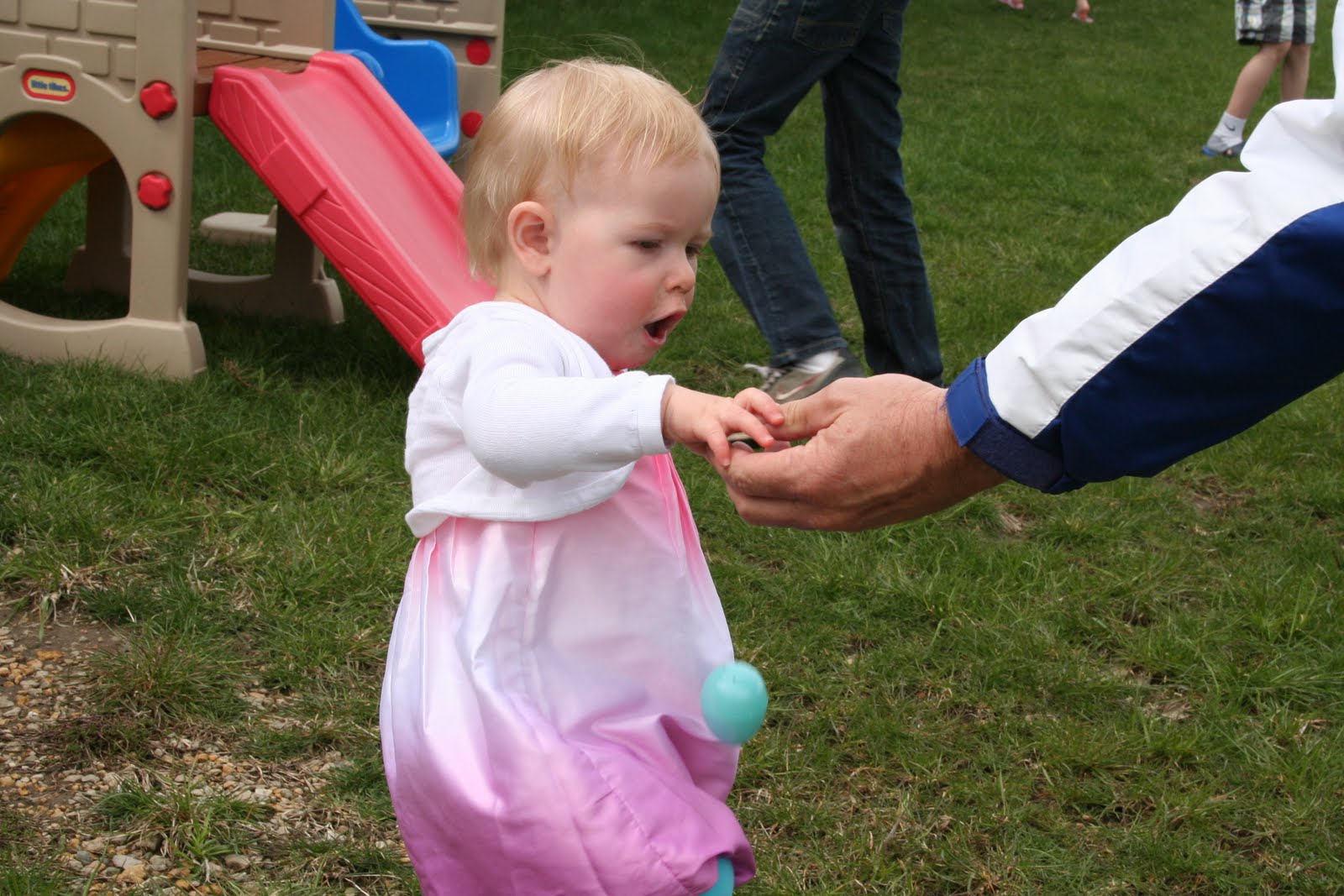
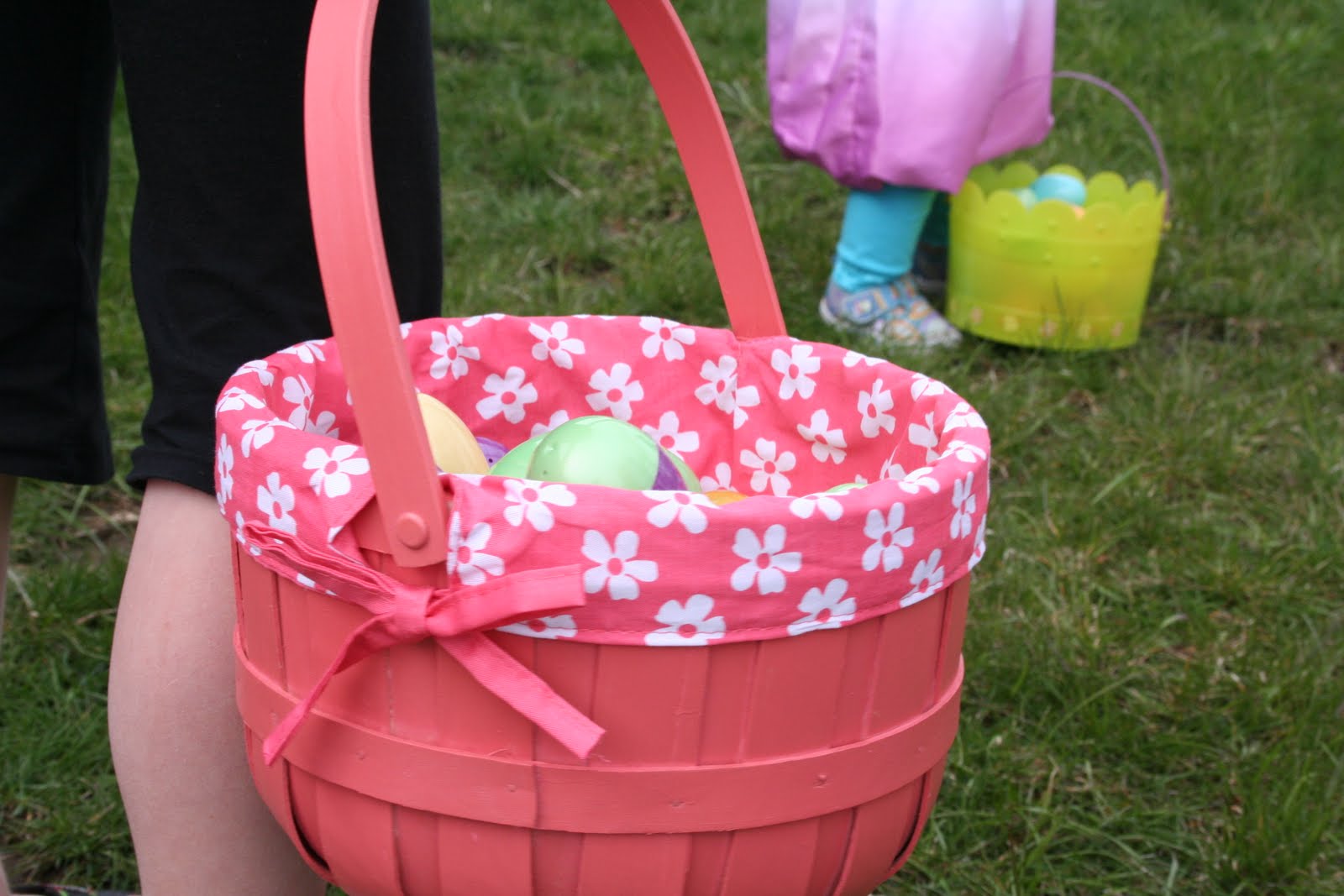
What a great day!!  Our first Easter egg hunt in the new house and Monkey's first too....last year she was too little and slept through it!  She caught on fast......so here are the pictures for my SOOC......I promise this week I will get the edit done!  PS- I really like Ashley's tutorial last week!!!


Tuesday, April 19, 2011

A Snowy Sweet Shot Tuesday

Yes, yes that is what you see.....snow and it was taken today, April 19th!  We have received about 4 inches of the heavy white stuff and it just keeps on coming!!!  This is a picture from my art room, taken after the kids had left at 11:30.  Its my first early out due to snow in April!!!

SOOC-Easter

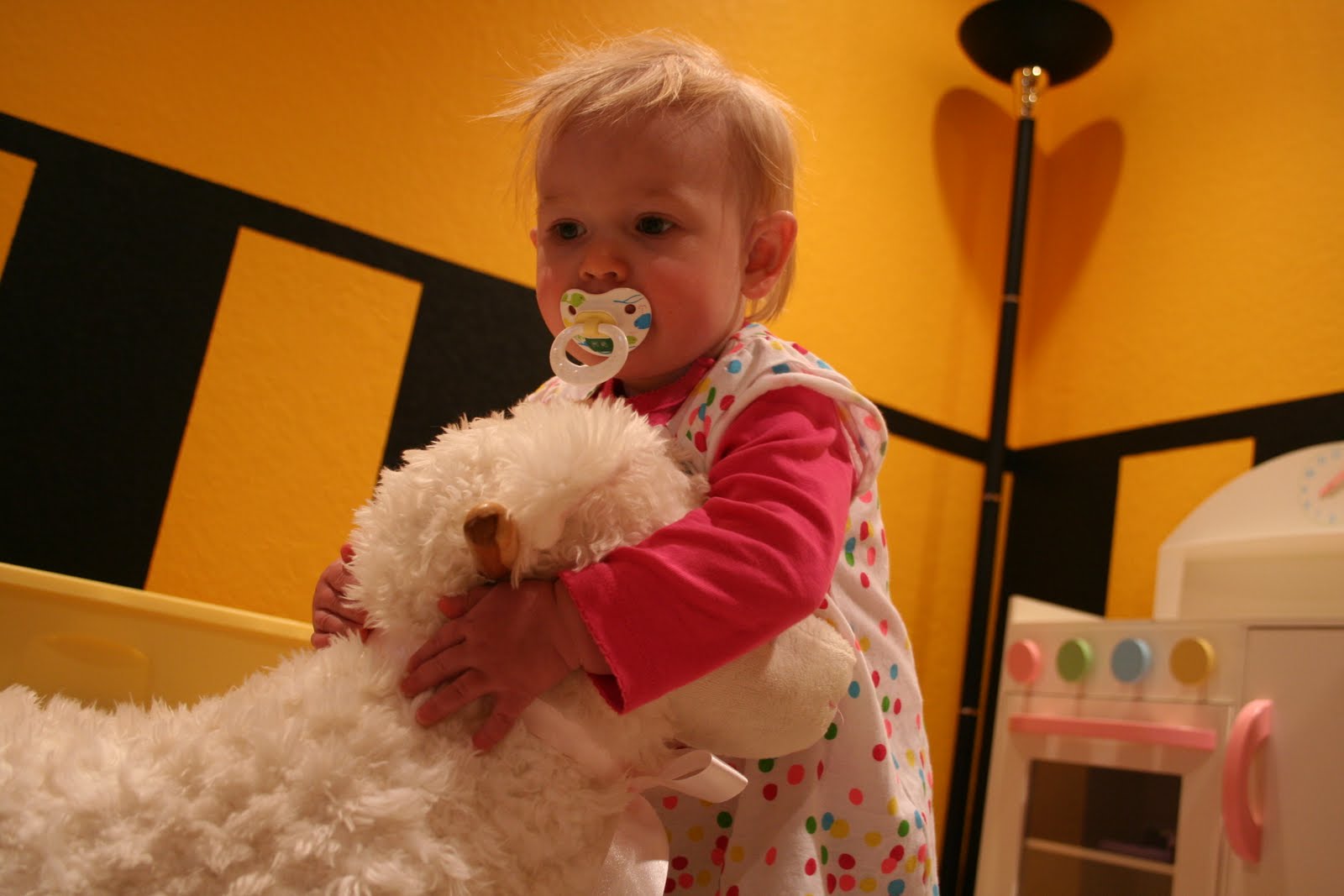
So when I think of Easter I don't think of the typical Easter Bunny, I do think of polka-dotted eggs, lambs and cute cuddly things.  So, here is my Easter shots of Monkey and LuLu he rocking lamb, with her shirt that reminds me of a cute Easter Egg!


Wednesday, April 13, 2011

How Other's See Me......Mrs. Riehle


MRS.  RIEHLE- I hear that name more than I hear my first name!  MCP Project 52, Week 15,  How other's see me.......  it was an interesting theme.  I thought about it all weekend, Saturday on the way to the cities, Sunday while playing outside with Monkey, Monday during class and finally last night after Monkey went to bed I figured out I needed to do it in the classroom.  That is where I am truly myself......I love teaching........even when times are really messed up in education, I still love teaching!  I love being a mom and a wife, but I have been a teacher longer than both.  I always told my students that I didn't need kids because I had 120 of them each semester and 75 more during volleyball.  I am not a teacher hides the way I am, the kids now I'm crazy and silly and serious all at the same time!!!  They also know I am passoniate about my art, my marriage and my daughter!!!!  Now that I have a daughter that adds the the definition of my life.....mommy.......it makes me a better teacher....how would I want a teacher to treat my daughter?

I spend so much time being a teacher.  Not just from 8-4 everyday.  I can't wait until May when I can be a teacher for monkey 24/7 for 2.5 months.

So I hope others see me as a mom, a wife, a daugher, a sister, loving, fun, crazy, an artist, an art teacher, caring, funny and a friend.

Monday, April 11, 2011

SOOC

So this weeks Now to WOW's theme is Faith.  I really didn't know what to do for this at first....  My husband is a church decorator (Here is his website, I help cut and design the stencils) so I do have some wonderful pictures of insides of churches!!!  But, they weren't new pictures and I didn't want something so literal.
This weekend there was some CRAZY weather. 9 tornadoes touched down and we drove one hour in down pouring rain and head hurting lightening.  Although we were in a tornado warning we didn't have any touch down or any damage done around our home or town.  Unfortunately some towns were destroyed in western Iowa near where I got my first job.
Sunday the sun was out and it was so warm!!! Than another small storm came up so quickly we didn't know what hit.  I got some great shots after the rain had moved through to the east and the sun was shining in the west. (Although they need to be cropped)  Sometimes you just have to have Faith that you will be safe and everything will pass......


Thursday, April 7, 2011

Now to WOW!!!

So when I read Ashley's blog to day I did a little cheer, than a little dance, my first hour class thought I was strange!  But I love adding textures to my images......love, Love, LOVE IT!!  I am so in my zone this week!  I joined a challenge group on Flickr with SkeletalMass's textures, he is wonderful.  Both of his blogs are on my blog roll.  There are also so many other Flickr resources out there for textures.

So I did my first photo and followed very close to Ashley layers and what she did, then I went and did my own thing, I did however use the same textures she used.

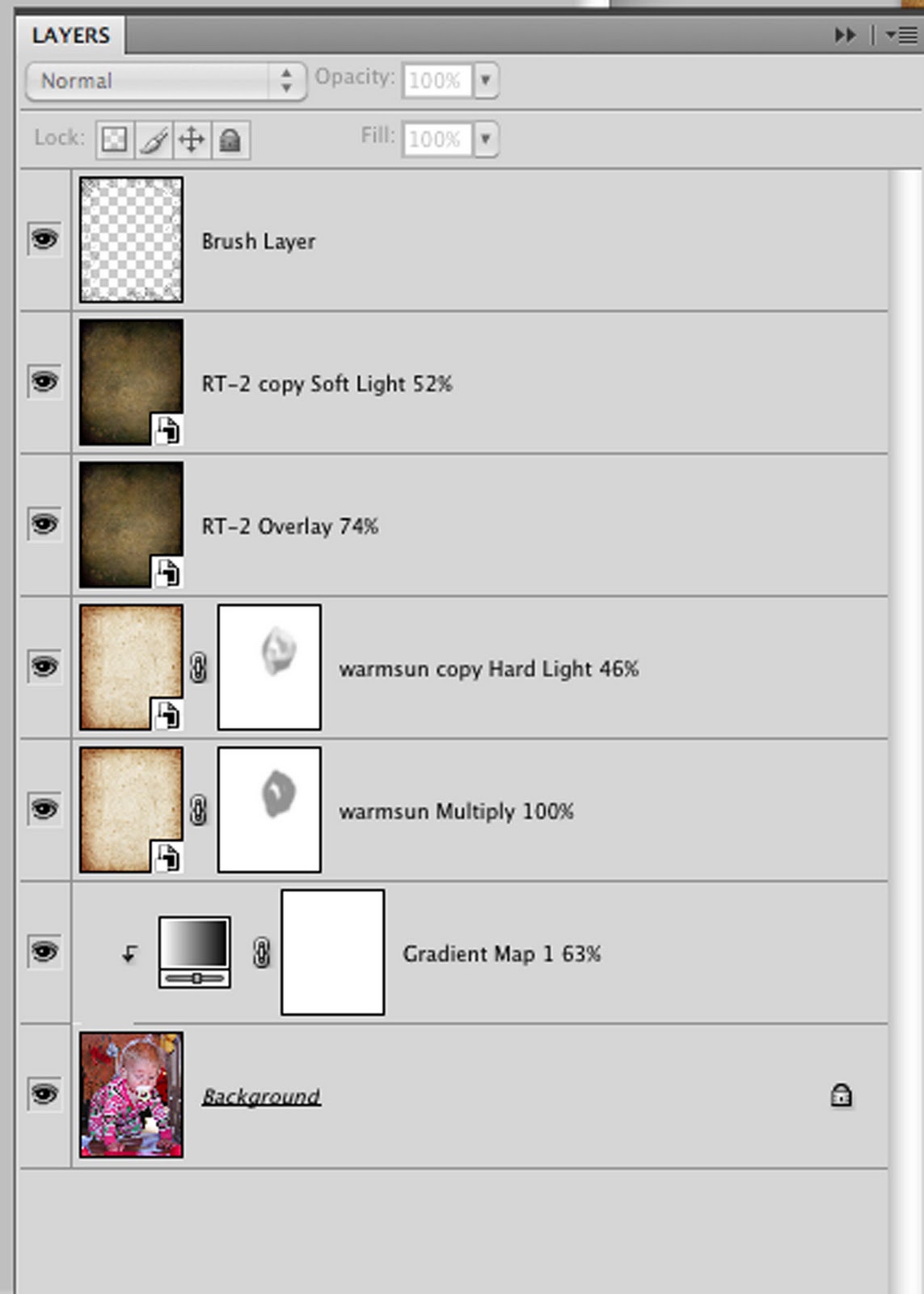
After my first one I thought why not do a screen shot with my recipe on it!  So the last two have screen shots.  I do a lot of layer masking when I am working on portraits because you might get a strange line in the face or lose some detail.  I always use a brush at 50% or lower when do that!


On my last one I did what I love to do.....add brushes.  I added a little brush frame around it.  Sometimes I layer mask with brushes as well, it gives different tones with the layers.
Here are some examples of my texture challenge using brushes in my layer masks.  The flower is my photo, the fairy was for a challenge.


Tuesday, April 5, 2011

Waterdrop Tutorial

Hello everyone!  Some people have asked about the link to the water drop tutorial so here it is  http://www.clickinmoms.com/blog/?p=1792.  I also posted it in a comment.  I can't wait to show you some of my students water drops, they are awesome!!!  Stay tuned for a post with the link to my Digital Camera page on my art room website!

Monday, April 4, 2011

My first Tutorial for My Blog


A "Wordle" Tutorial
Have you ever been to the Wordle website?  You can easily create your own word collage.  What if you wanted to put a picture in that collage?  Well you can actually add one of their collages to your photos, but this tutorial shows you how to do it on your own!

Open the document you want to add the words to.  Clean up your photo, run any actions you like.  I ran Moody Pop on my example.

Use your text tool to create words.  I hid my background layer so I could see the words more clear. 

Right now it doesn’t matter where you place the words, how big they are, or what font, just type.  Make sure you to put the words on separate layers.  (Click the move tool between typing the words) (See Below)


To make life easier have the auto select layers option checked on your move tool.  (See Below)
Now start free transforming, rotating, formatting and moving your text.  When choosing a font you want to pick larger, bolder fonts.  Thin fonts don't work as well.  Also, you will probably want to turn your background layer on so you can see where it overlaps your photo.

Once you have moved all of your text around and it is in the EXACT place you want it, go to your layers palette and select all of your text layers.  ( You can click on your bottom text layer, hold shift and click on your top text layer).  Go to your layer menu and Merge Layers. (See Below)
You will want to select your word layer. One of my favorite short cuts is the Cmd Click (Ctrl Click for PC) on your layer this will select your text within that layer.   
Now you will want to make a new layer via copy- so now select your background layer and Command J (creates a new layer via copy). 

Turn “off” the original word layer in your layers palette.

Now to make the words actually appear!  to do that all you have to add some blending options to your layer.  I like to do bevel and emboss and drop shadow or stroke.  You can play with the settings of these options, but the bevel and emboss is the most important option to add to the layer

You can either leave it as is or create a new layer and fill it with a color.  If you are going to do this option you would want more words than what I have below.
         

Up two Ways

So our SOOC Now to WOW challenge this week is UP!  I decided to interrupt that two ways, one literal and one not so literal.....

The first ones are of Monkey playing on top of her slide with her hair standing up, than there is one of her outside and  UP as in the temp is UP.....70 degrees on Sunday!  It was wonderful outside and we played and played and played!!!  She really loved it out there.  The last one is of her falling asleep up, she was soooo tired!

Now some of these aren't my best SOOC shots, but I love them anyways!